




| IN A NUTSHELL |
|
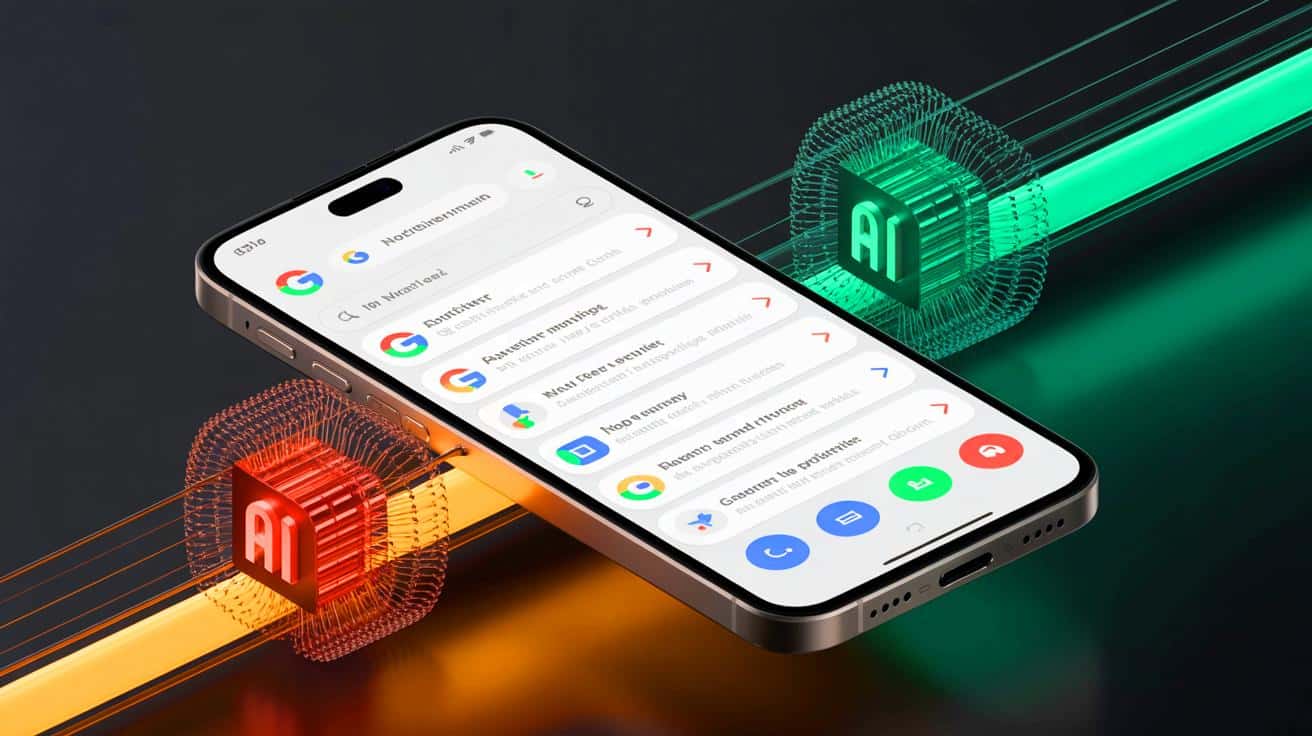
Google’s November software update, known as the Pixel Drop, introduces a series of innovative features to enhance the functionality of Pixel phones. These updates include notification summaries, a new power-saving mode for Google Maps, advanced photo editing in Google Photos, and Gemini Nano-powered photo edits in Messages. As Google’s answer to Apple’s notification summaries, the Pixel Drop aims to bring a refined user experience to Pixel 9 and later devices. Additionally, the update introduces a low-power mode for Maps that promises to extend battery life significantly, alongside new scam detection capabilities for messages. These features reflect Google’s commitment to continuously evolving its technology to meet user needs.
Enhancing Notifications and User Experience
In the realm of smartphone notifications, Google is catching up with its competitors by introducing notification summaries for its Pixel 9 and later devices. This feature, part of the November Pixel Drop, organizes longer chats and conversations into concise summaries, streamlining communication and reducing the noise of constant alerts. Google’s approach is reminiscent of Apple’s Priority Notification feature, which distinguishes important notifications from low-priority ones. However, Google’s innovation doesn’t stop there. In December, the company plans to introduce a feature that automatically silences low-priority notifications, further enhancing user focus and reducing distractions.
The Pixel Drop also includes a feature that prioritizes notifications from designated Pixel VIPs. Users can choose up to eight of their closest contacts to receive prioritized updates, ensuring that important communications are never missed. This feature integrates seamlessly with a home screen widget, providing quick access to updates from these key contacts. In times of crisis, such as natural disasters, a crisis badge will appear in the contacts widget, alerting users to potential emergencies affecting their VIPs. These thoughtful enhancements underscore Google’s dedication to improving the user experience through smart, intuitive design.
Battery Life and Navigation Improvements
With smartphone usage on the rise, battery life remains a top concern for users. Google’s new low-power mode for its Maps app addresses this issue head-on. Designed for Pixel 10 series users, the feature extends battery life by up to four hours. It achieves this by darkening the screen and displaying only essential information such as the navigation route and upcoming turns. This minimalist approach not only conserves power but also reduces screen glare, making navigation safer and more comfortable for users in various lighting conditions.
The low-power mode reflects a broader trend in technology toward energy efficiency and sustainability. By optimizing power consumption, Google is not only enhancing the user experience but also contributing to a more environmentally conscious approach to device usage. As more users demand longer battery life and efficient energy use, features like the low-power mode in Maps are likely to become standard across a range of applications and devices. Google’s commitment to innovation in this area is a promising step toward a more sustainable technological future.
Innovative Photo Editing and Messaging Features
Google’s Pixel Drop introduces cutting-edge photo editing capabilities powered by AI, elevating the digital photography experience for users. The new “Help me edit” feature in Google Photos leverages face recognition technology to perform complex edits with simple prompts. Users can request specific changes, such as removing sunglasses or altering facial expressions, with remarkable ease. This update showcases Google’s commitment to integrating advanced AI into everyday applications, making professional-level photo editing accessible to all users.
In addition to photo editing, the Pixel Drop enhances messaging features with a new “Remix” option powered by the Nano Banana image model and Gemini technology. This feature allows users to transform photos using creative prompts, offering a unique way to personalize and share images. Available in several countries, including the U.S., U.K., and Australia, the Remix feature highlights Google’s global reach and its dedication to delivering innovative solutions to a diverse user base. By continuously expanding the capabilities of its apps, Google is redefining the possibilities of mobile communication and creativity.
Expanding Global Features and Thematic Updates
Google’s November Pixel Drop also includes the expansion of existing features to new regions. The call transcription feature, Call Notes, is now available in Australia, Canada, the U.K., Ireland, and Japan, reflecting Google’s commitment to providing a seamless communication experience to a broader audience. This feature transcribes phone calls in real-time, offering a convenient way for users to capture important details without missing a beat. Such expansions demonstrate Google’s focus on inclusivity and accessibility, ensuring that its innovations are available to users worldwide.
In addition to functional updates, the Pixel Drop introduces a new thematic pack, “Wicked: For Good,” for Pixel 6 and later devices. This theme includes wallpapers, icons, system sounds, and GIFs inspired by the popular movie, offering users a fresh and engaging way to personalize their devices. By combining practical updates with creative enhancements, Google continues to set the standard for comprehensive software releases that cater to a wide range of user preferences and needs. As the company moves forward, the question remains: how will Google continue to innovate and expand its offerings to meet the evolving demands of its global user base?



Wow, the new battery-saving mode in Maps sounds amazing! Can’t wait to try it out. 😊
Wow! The battery-saving Maps feature sounds incredible. Has anyone tried it yet? 😊
Google’s updates are always so forward-thinking. Can’t wait to try the AI photo remixing!
How does the AI photo remixing work exactly? I’m curious to see the results!
I hope the smarter notifications will help me declutter my phone. Too many alerts these days!
Merci Google pour ces mises à jour incroyables! Cela va vraiment améliorer mon expérience utilisateur.
Do these updates come to older Pixel phones too, or just the latest models?
Pourquoi est-ce que la mise à jour est seulement pour les Pixel 9 et plus ? 😕
Looks like Google is stepping up its game to compete with Apple. Good job! 👍
La fonction de transcription des appels est un vrai game changer, surtout pour les pros!
I’m skeptical about the AI photo editing. Can it really make complex edits so easily?
J’espère que le mode basse consommation fonctionne vraiment aussi bien qu’ils le disent.
Those new features sound great, but how about fixing existing bugs first? 🤔