




| IN A NUTSHELL |
|
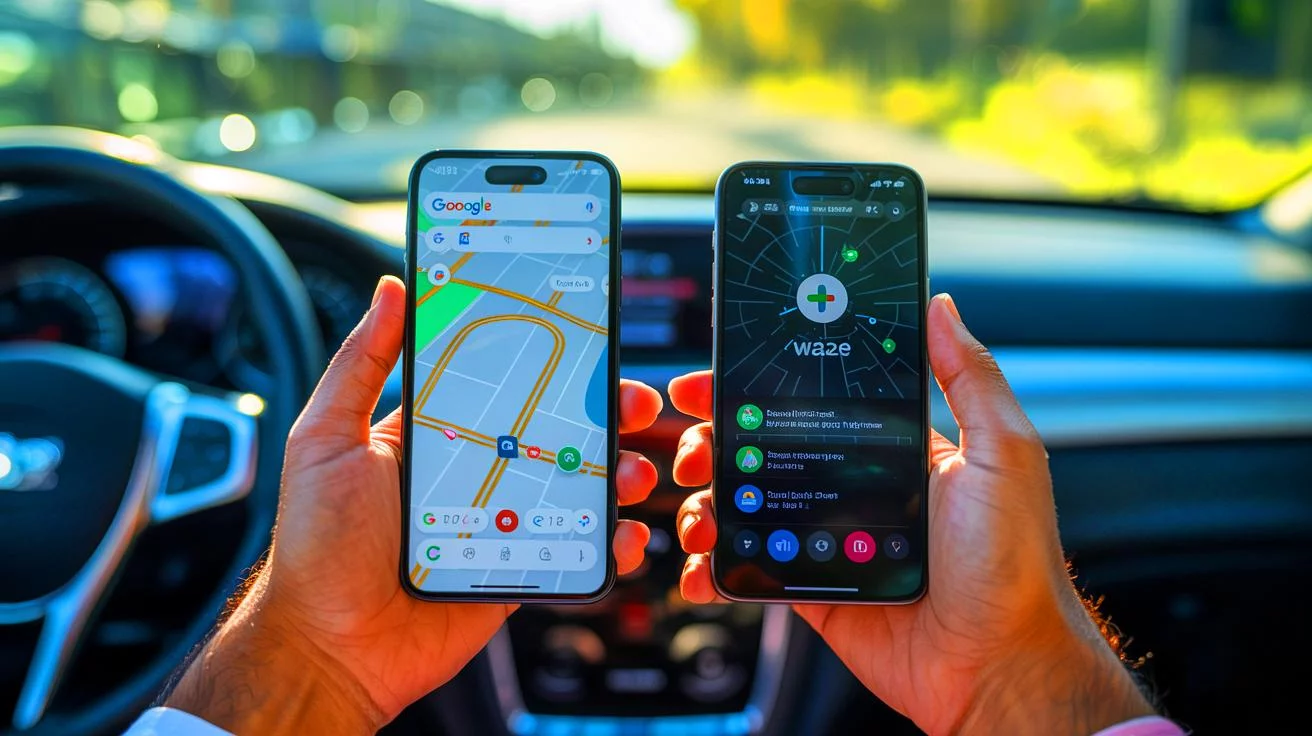
The competition between Google Maps and Waze has intrigued users for years. Both applications, owned by Google, offer distinct features and functionalities that cater to different user preferences. Recently, an American journalist, Josh Render, took it upon himself to delve into the practical advantages and disadvantages of these two navigation giants. Equipped with two smartphones, he embarked on a one-hour journey, running Google Maps on one device and Waze on the other. Although some might argue that an hour is insufficient for a comprehensive evaluation, Render believes it offered enough insight to declare a winner in this ongoing battle.
Functionality and User Experience
Waze is known for its myriad of features and customizable options, which can be both a boon and a bane. Before hitting the road, users might want to explore Waze’s numerous settings. These features add a layer of fun to the driving experience, with options like famous fictional voices for navigation and customizable vehicle icons. However, this extensive personalization can sometimes overwhelm users, making the app challenging to navigate through its menus.
Conversely, Google Maps presents a more straightforward and clean interface. While it may not offer the same level of customization as Waze, its simplicity and directness appeal to users who prioritize functionality over flair. For many drivers, the ability to get clear directions without distractions is more valuable than changing the appearance of their on-screen vehicle.
Missing Features in Both Applications
Waze primarily caters to motorists, lacking pedestrian or public transport modes. It focuses on vehicle navigation, offering options to switch between cars and motorcycles, whether electric or not. However, its community-driven features allow users to report road conditions, such as traffic jams or accidents, enhancing real-time traffic updates.
Contrarily, Google Maps falls short in community reporting features but compensates with its versatility. It supports various modes of transportation, including walking, cycling, and public transit. Additionally, Google Maps allows users to download maps for offline use and provides satellite imagery. Despite this, both apps have their quirks in route suggestions. Google Maps occasionally suggests unexpected detours, while Waze can struggle with narrow streets. Neither application is flawless, each having unique strengths and weaknesses.
The Verdict: Is There a Clear Winner?
After his evaluation, Josh Render slightly favored Google Maps over Waze. The deciding factors were Google Maps’ ability to offer a more comprehensive travel experience and its superior readability. While Waze’s extensive customization options add personality, they can compromise clarity, especially during driving. Ultimately, the choice between the two may boil down to individual user preferences and needs. As Render suggests, the best approach to determine the superior app is to test both on the same route, allowing users to decide based on firsthand experience.
Comparative Features of Google Maps and Waze
| Feature | Google Maps | Waze |
|---|---|---|
| Modes of Transport | Car, Bike, Walking, Public Transit | Car, Motorcycle |
| Community Reporting | Limited | Robust |
| Customization | Minimal | Extensive |
| Offline Maps | Available | Not Available |
As navigation technology evolves, the debate over which app reigns supreme continues. Google Maps and Waze each offer unique features that cater to different types of users. While Google Maps might be ideal for those seeking simplicity and versatility, Waze appeals to users who enjoy a more interactive and personalized driving experience. As technology and user needs evolve, how will these apps adapt to maintain their relevance in the ever-changing landscape of digital navigation?